 Login
Login

Forgotten Password
Simply head to https://my.maxo.com.au/ and click on "Forgotten your password?" at the bottom of the login screen.
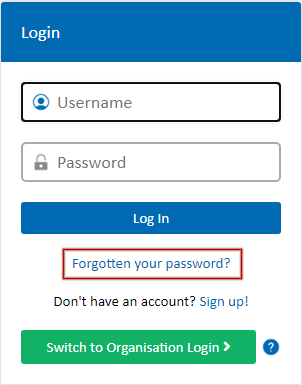
When prompted, enter your username, desired password and the mobile number on file for your account. An SMS will then be sent to confirm the password reset.
Once the reset has been confirmed, login with your username and the new password.
If you are still have trouble resetting the password, please Contact Us.
Date created: Mar 15, 2018
Last modified: Nov 15, 2023
 Australian Sales team about our phone system plans?